

A $297 course with 500 paying students can realistically end up with 100 to 300 unauthorized copies circulating in closed Telegram groups and Discord servers within weeks of launch. If even 15% of those people would have paid full price, that single leak costs the creator $4,500 to $13,000 in lost revenue — from one course, one launch (Kinescope, 2026). Scale that across a catalog of courses and a full year, and the math becomes the difference between a sustainable education business and one that’s quietly bleeding out.
This isn’t a rare edge case. Video content accounts for more than 66% of all pirated material online (Kinescope, 2026), and India’s e-learning sector alone loses an estimated $240 million per year to course piracy, driven largely by organized Telegram distribution networks (VdoCipher, 2026). One security provider reported blocking 120,000 illicit streaming sessions in a single six-month period, across more than 700 pirate websites and apps targeting course content specifically (VdoCipher, 2026).
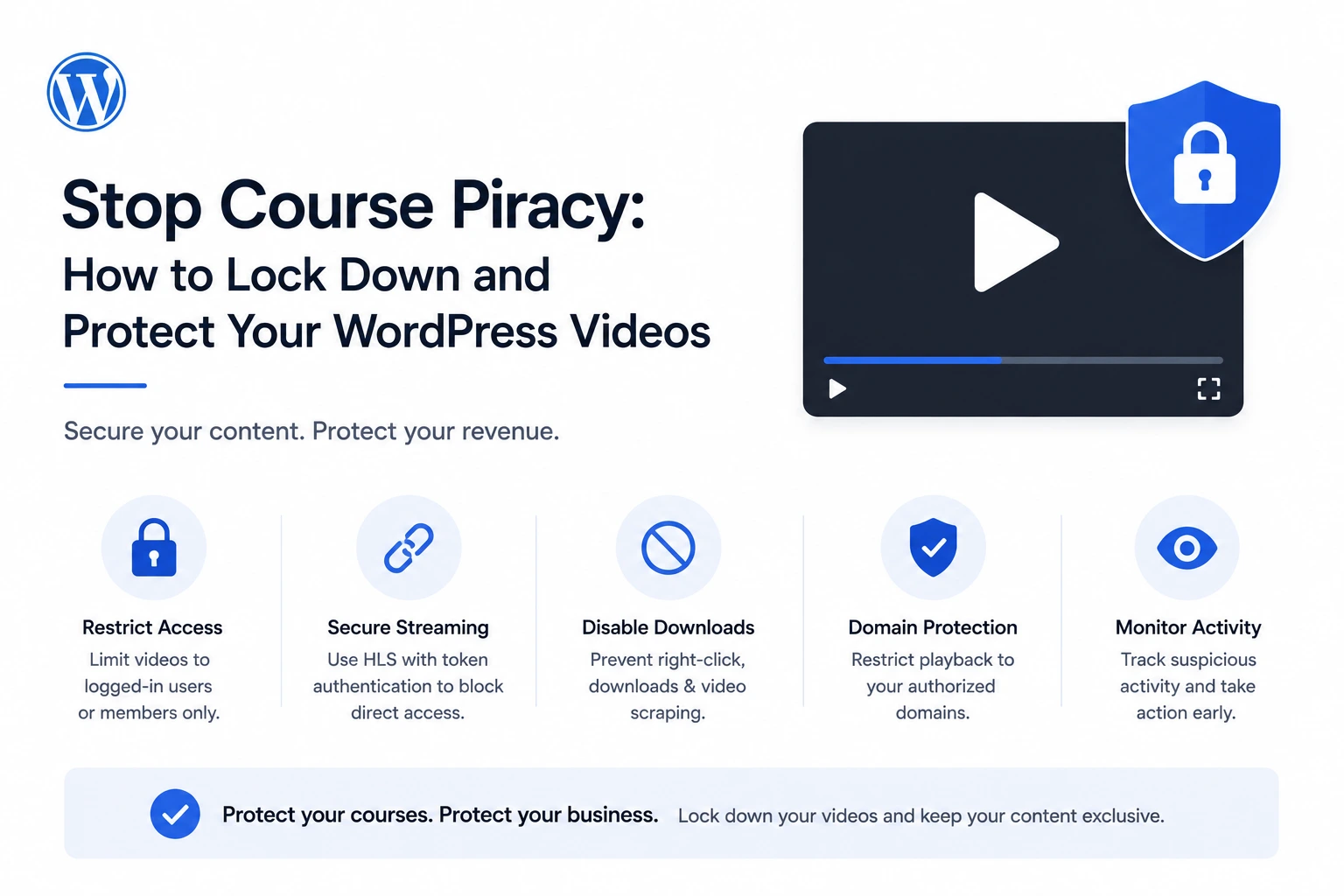
If you’re running courses on WordPress and your video is served as a basic MP4 link or a loosely protected embed, this guide walks through exactly how to lock it down — using MediaHaven, a free WordPress plugin that converts your course videos to secure, adaptive HLS streaming.
Why Course Content Is a Specific, High-Value Piracy Target
Course piracy has a different economic logic than general video piracy, and understanding it matters for choosing the right defense.
The content has a clear, known price tag. Unlike a random YouTube video, a course has a specific dollar value attached — $97, $297, $997 — which makes “I saved $X by pirating this” a legible, motivating outcome for the person doing it, and a clear target for piracy communities to organize around.
Distribution is organized, not incidental. Course piracy overwhelmingly happens through structured communities — Telegram groups and Discord servers with thousands of members specifically dedicated to sharing paid course content (VdoCipher, 2026; Kinescope, 2026) — not one-off casual downloads. Once your course lecture appears in one of these groups, the leak compounds: as one industry analysis put it, when a course is reposted to a large channel, even modest conversion cannibalization can destroy a meaningful share of expected revenue and position your brand as “easy to steal” — which then attracts further leaks (Gumlet, 2026).
On most course platforms, the underlying video protection is minimal. A widely cited industry observation: “On most course platforms, video is either hosted on a basic Vimeo layer or the platform’s own unprotected infrastructure. There is no DRM, no domain lock, and no signed URLs” (Gumlet, 2026). This is the specific gap that makes WordPress-based course sites vulnerable if the video layer isn’t deliberately secured.
The Layered Defense Model: No Single Lock Is Enough
Security researchers describe effective video protection with a physical-security analogy worth internalizing: “One padlock might stop someone who wanders in by accident. But someone who planned ahead will walk right past it. Three locks, a keycard reader, and a camera system is what makes that building genuinely difficult to breach” (Gumlet, 2026).
For course video specifically, that translates into three distinct layers that each solve a different problem:
Layer 1 — Access control: Who is allowed to reach the page containing the video at all? (Your membership/LMS plugin’s job.)
Layer 2 — Delivery security: Once someone reaches the page, can the video URL itself be hotlinked, shared, or directly downloaded? (MediaHaven’s job.)
Layer 3 — Leak deterrence: If a determined pirate screen-records the content anyway, can leaked copies be traced back to a source? (Watermarking — outside MediaHaven’s core scope, worth knowing about as a separate consideration for high-value courses.)
Most course creators only implement Layer 1 — a login wall — and assume that’s sufficient. It isn’t. A logged-in student who can see a plain MP4 URL in their browser’s network requests can download and redistribute your entire course in minutes, membership wall or not.
Locking Down Layer 2: Real Video Security with MediaHaven
MediaHaven (WordPress.org, free, version 1.7.3) connects to Bunny Stream and converts your course videos into secure, adaptive HLS format — the protocol-level protection that a login wall alone can’t provide.
Why HLS Specifically Matters for Course Content
Course videos are frequently long-form — 20, 40, 60+ minutes per lesson — which makes them especially poor candidates for direct MP4 delivery. A large single file is both a performance liability (slow loading, buffering on weaker connections) and a security liability (one clean, complete file that’s trivially easy to save and redistribute in its entirety).
HLS breaks each lesson into small segments delivered via a manifest file, with no single downloadable file to save. Combined with token authentication, each segment request requires a signed, expiring credential that the CDN validates independently — meaning a URL captured today doesn’t work if replayed next week, regardless of how it was obtained.
Step-by-Step Lockdown
- Install MediaHaven Lite from Plugins → Add New Plugin, activate
- Create a free Bunny.net account, create a Stream Library, and copy your API Key, Library ID, and CDN Hostname
- Enable Token Authentication in the Bunny Stream library’s security settings
- In WordPress: MediaHaven → Settings → Storage & CDN
- Set Serve From to CDN, Storage Provider to Bunny Stream
- Enter your credentials, enable Secure Stream Playback
- Save, upload your first course video, click Sync
Every lesson synced this way is automatically converted to secure adaptive HLS — confirmed directly from MediaHaven’s plugin listing: “Same streaming technology trusted by Netflix and Apple — free with MediaHaven.”
Organizing Your Course Video Library
For multi-module courses, MediaHaven’s gallery system is built to organize video content, not just secure individual files:
- Use Grid, Carousel, or Multi-row Carousel layouts to present course modules on a dedicated course page
- Assign videos to categories and tags matching your course structure (Module 1, Module 2, Beginner, Advanced) so students can navigate a large curriculum without scrolling through an undifferentiated list
- Use Interactive Video Chapters (Pro) to break individual long lessons into clickable sections — a 45-minute lesson with chapter markers for “Setup,” “Core Concepts,” and “Practice Exercise” is easier for legitimate students to navigate and, incidentally, harder to extract as one clean unbroken recording
Locking Down Layer 1: Pairing MediaHaven With Access Control
Token authentication is meaningless if anyone — logged in or not — can reach the page hosting the video. Layer 1 is your responsibility to configure separately, using whichever membership or LMS system your course runs on:
- MemberPress, Restrict Content Pro, or similar for straightforward paid-membership gating
- LearnDash, Tutor LMS, or LifterLMS for structured, drip-fed course delivery with progress tracking
The combination works like this: your membership/LMS plugin decides which logged-in users can load the lesson page at all. MediaHaven’s token authentication ensures that even once a legitimate, paying student is on that page, the underlying video URL itself can’t be hotlinked, shared as a raw link, or downloaded directly — closing the gap that a login wall alone leaves wide open.
What This Doesn’t Solve — And What To Do About It
Being precise about limitations is what separates a genuinely useful security guide from marketing copy. Signed HLS token authentication does not prevent:
Screen recording. A student determined enough to run screen-capture software while your lesson plays will get a copy, regardless of how the video is delivered. No delivery-layer technology — including this one, including enterprise DRM — fully solves this.
What actually mitigates screen-recording risk: dynamic watermarking, which overlays a viewer’s identifying information (email, account ID) onto the video during playback. This doesn’t prevent the recording — it makes a leaked copy traceable back to the specific account that produced it, which is a meaningful deterrent for students who’d otherwise assume anonymity. This is a specialized capability outside MediaHaven’s core feature set; for courses at a price point and scale where determined, sophisticated piracy is a specific concern (not just casual link-sharing), dedicated DRM platforms with watermarking are worth evaluating as a complementary layer.
The realistic framing: signed HLS delivery via MediaHaven eliminates the casual, low-effort theft that accounts for the large majority of course piracy — hotlinking, shared links, and direct downloads via a copied URL. It doesn’t stop a screen-recording pirate with real intent. For most course creators, closing the casual-theft gap recovers the overwhelming majority of otherwise-lost revenue; the residual determined-pirate risk is a smaller, separate problem that scales with how high-value and high-profile your specific course becomes.
The ROI Math on Fixing This
A $10–$50/month secure hosting solution is typically recovered from a single prevented piracy incident on any course with meaningful revenue (Kinescope, 2026). MediaHaven’s core HLS security is free at the plugin level — your only cost is Bunny’s usage-based CDN pricing, which for a modest course video library commonly runs a few dollars a month, well under even that conservative benchmark.
Set against the earlier example — a single leaked $297 course costing $4,500–$13,000 in lost revenue — the cost-benefit case for locking this down properly isn’t close. The security investment is a rounding error relative to what one prevented leak protects.
Complete Course Video Lockdown Checklist
- MediaHaven Lite installed and Bunny Stream connected
- Token Authentication enabled in Bunny Stream library settings
- Secure Stream Playback enabled in MediaHaven settings
- All course videos synced and confirmed serving via signed
.m3u8manifest URLs - Course pages gated behind a membership or LMS plugin (LearnDash, MemberPress, Tutor LMS, etc.)
- Verified: logged-out/unauthorized visitors cannot reach lesson pages at all
- Verified: manifest URLs fail when accessed outside their token’s expiration window
- Video chapters added for lessons over 15–20 minutes (Pro), improving both usability and reducing easy full-lesson extraction
- Subtitles added for accessibility and searchability (Pro for multi-language)
- For high-value courses: dynamic watermarking evaluated as a supplementary layer against screen recording
- Install free: wordpress.org/plugins/mediahaven-lite
- Official documentation: mediahaven.io/docs/
- Bunny Stream setup guide: mediahaven.io/docs/#/cleardocs/how-to-set-up-bunny-cloud-with-mediahaven
- Upgrade to Pro (chapters, subtitles, filtering): mediahaven.io/pricing — from $79/year · 14-day money-back guarantee
- Support
Leave a Reply