

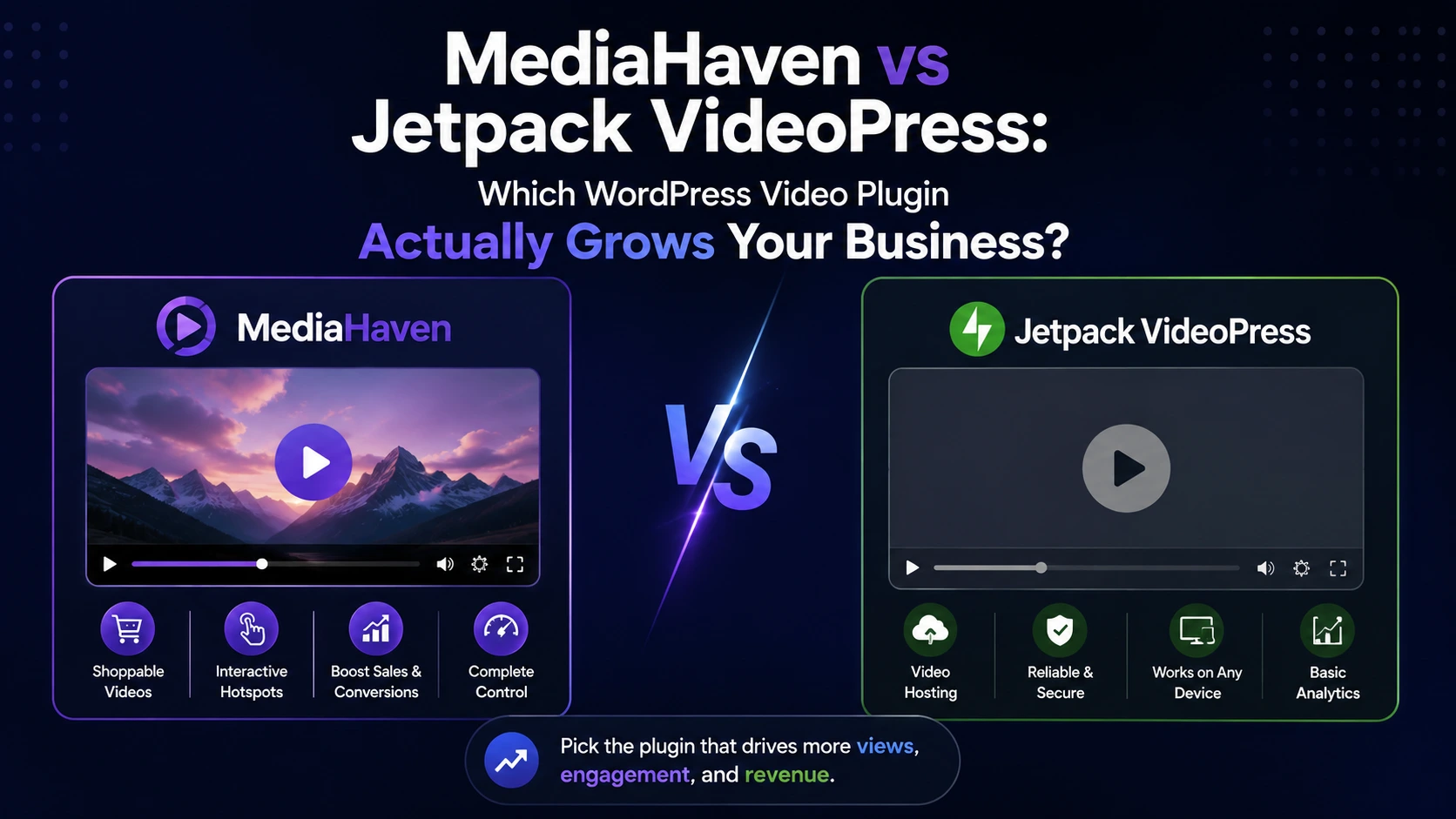
Jetpack VideoPress and MediaHaven solve an overlapping problem — getting video onto a WordPress site without wrecking performance — but they’re built for genuinely different jobs. VideoPress is a hosted video player: upload, and it plays back cleanly, ad-free, from WordPress.com’s infrastructure. MediaHaven is a video gallery and commerce platform: multi-source galleries, WooCommerce integration, shoppable overlays, and a native ad system, built on top of your own CDN of choice. This comparison goes feature by feature, using each plugin’s own current listing as the source, so you can match the tool to what your business actually needs.
The Core Difference, Up Front
Jetpack VideoPress is fundamentally a video hosting and playback solution. You upload a video, it’s stored on WordPress.com’s infrastructure, and it plays back through a clean, ad-free, adaptive-streaming player embedded via a single Gutenberg block. That’s the whole product.
MediaHaven is a video gallery, commerce, and monetization platform. It also handles playback and CDN delivery (via Bunny Stream), but layers on top of that: multi-source galleries (YouTube, TikTok, Vimeo, and 10+ sources), WooCommerce product video integration, shoppable overlays, a native ad system, live filtering, and chapters.
If all you need is “let me drop a video into a post, ad-free, and have it play well” — VideoPress does that specific job cleanly. If you need video to function as a gallery, a sales channel, or a monetized asset — that’s outside VideoPress’s scope entirely, and it’s where MediaHaven is built to operate.
Feature-by-Feature Comparison
(MediaHaven data pulled directly from the official WordPress.org listing and pricing page, v1.7.4 — updated Aug 4, 2026. VideoPress data pulled directly from its official WordPress.org listing, v3.2.)
| Feature | Jetpack VideoPress | MediaHaven |
|---|---|---|
| Video sources supported | Self-hosted upload only, via VideoPress infrastructure | 10+ sources: YouTube, Vimeo, TikTok, Twitch, Wistia, Dailymotion, Rumble, Facebook, Instagram, LinkedIn, HLS, self-hosted |
| Gallery layouts | None — single-video block only | Grid, Carousel, Multi-row Carousel (free) |
| Video filtering/search | Not available | Ajax Live Filter — category, tag, author, duration, resolution (Pro) |
| Tiered content access control | Basic per-video privacy setting only | Category and single-video Access Manager — Public, Login Required, or Guest-only, with per-video overrides and trailer/featured-image fallbacks for restricted content (Pro, added v1.7.4) |
| Adaptive bitrate streaming | ✅ Included | ✅ Included free via Bunny Stream |
| WooCommerce Product Video Tab | ❌ Not available | ✅ Included |
| Playlist | ❌ Not available | ✅ Included |
| Popup/Lightbox | ❌ Not available | ✅ Included |
| WooCommerce Product Video Gallery (Replacing Default Images) | ❌ Not available | ✅ Included |
| Video-Driven E-commerce Product Promotions & VAST Ads for WordPress | ❌ Not available | ✅ Included |
| Max resolution | Up to 4K, 1440p, 60 FPS | Depends on source video / Bunny Stream encoding |
| Ad-free player | ✅ Yes, by design | ✅ Yes (MediaHaven doesn’t insert third-party ads into your video) |
| Native video ad system for your own monetization | ❌ Not available (a user review on WordPress.org explicitly requests this feature) | ✅ Image/video/link/text ads, 9 positions, timing controls (Pro) |
| WooCommerce product video integration | ❌ Not available | ✅ Product tabs, before/after summary, gallery replacement |
| Shoppable video overlays | ❌ Not available | ✅ Product cards, pricing, variations, Add to Cart |
| Video chapters | ✅ Included | ✅ Included |
| Subtitles/captions | ✅ Included, with auto-generation | ✅ Single-language free; multi-language + VTT timing |
| Picture-in-picture | ✅ Included | Not explicitly documented |
| Offload non-video media (images, docs) to CDN | ❌ Not available | ✅ Bunny Storage (Pro) |
| Free plan limits | 1 video, 1 GB total | Unlimited galleries and videos |
| File size limit | 5 GB | Not documented as a fixed plugin-level limit |
| Storage on paid plan | 1 TB | Depends on your Bunny.net plan (pay-as-you-go, separate from MediaHaven pricing) |
| Team/login access | Unlimited logins, no per-seat charge | Standard WordPress user roles |
| Pricing model | $17/month billed yearly for standalone VideoPress, or bundled in Jetpack Complete | $79/year for MediaHaven Pro (site license), Bunny.net CDN costs separate and usage-based |
| Per-site/domain licensing | One paid subscription per domain (noted as a cost concern in user reviews for agencies managing multiple sites) | Check current license terms on the pricing page |
Where VideoPress Genuinely Wins
To be fair to the comparison: VideoPress does a few things well that are worth acknowledging directly.
- Simplicity. One block, drag-and-drop upload, done. There’s no CDN account to configure separately — WordPress.com’s infrastructure is built in.
- Ad-free by default with zero configuration. You don’t choose anything; there’s simply no third-party ad layer to manage or avoid.
- High-resolution ceiling. Support up to full 4K at 60 FPS is a genuinely strong spec for creators publishing high-production video.
- No per-seat pricing. Teams working on the same site don’t pay extra per login.
- Backed by WordPress.com’s global infrastructure, which is a mature, well-established hosting network.
If your business is a blog, a media site, or a course platform where the entire need is “publish clean video, ad-free, with no monetization or commerce requirement,” VideoPress is a legitimate, simpler option — and you shouldn’t feel pressured into a more complex tool you won’t use.
Where the Comparison Breaks Down for Growing Businesses
The gap shows up the moment video needs to do more than play back — which is exactly where revenue-focused businesses tend to end up.
No WooCommerce integration at all. VideoPress has no product video placement, no gallery-to-product assignment, nothing WooCommerce-specific. For a store owner, this means VideoPress can put a video in a blog post, but not attach one to a product page in any structured way — you’d need a separate plugin or manual embed work to make that happen at all.
No monetization layer. There’s no ad system and no shoppable commerce feature in VideoPress — this isn’t a matter of interpretation; a user review directly on the plugin’s WordPress.org page explicitly asks the developers to add monetization support, which as of the current version (3.2) still isn’t part of the product.
Single video source. VideoPress only handles videos uploaded to its own infrastructure. If your video strategy includes a YouTube channel feed, TikTok content, or a mix of sources, VideoPress can’t display any of that — you’d be running a second plugin alongside it just to cover gallery or multi-source needs.
No live filtering or gallery structure. For a content library beyond a handful of videos, there’s no way for visitors to search or filter — every video is a standalone embed with no organizing layer.
Only basic per-video privacy, not tiered access control. VideoPress lets you mark a video private, but doesn’t offer structured access tiers. MediaHaven Pro’s Access Manager (added in v1.7.4) lets you gate video by category or individually across Public, Login Required, and Guest-only tiers, with a trailer video or featured image shown in place of restricted content — relevant for membership sites, paid courses, and gated product demos where “private” alone isn’t granular enough.
Per-domain subscription costs add up for agencies. A user review on the plugin’s own listing raises this directly: managing several client sites means paying for a separate subscription per domain, which becomes expensive at scale in a way a single Pro license typically wouldn’t.
Operational friction reported by users. Multiple recent reviews on the official listing describe specific pain points: no batch upload (only one video at a time), difficulty locating the cancellation flow, and video processing occasionally getting stuck. These are drawn directly from user reports on the plugin’s own support page, not third-party claims.
The Business Case, in Numbers

Since the underlying question is really “which tool grows the business,” it’s worth connecting this to what video actually does for revenue when it’s allowed to function as more than a player:
- Product pages with video convert at roughly 4.8% versus 2.9% without, according to aggregated video benchmark studies.
- Shoppable video specifically has been measured lifting sitewide conversion by 17–33% in controlled 2026 A/B testing across 200,000+ sessions.
- Shoppable video ads have been measured driving up to 3.2x more conversions than standard, non-shoppable video.
None of that upside is reachable through a pure playback tool — it requires the commerce and ad layer that VideoPress doesn’t offer at all. A business evaluating “video plugin” as a line item should really be evaluating “what do I need video to do” first — and for anything beyond clean playback, that answer currently points away from VideoPress by default, not because VideoPress is poorly built, but because commerce and monetization simply aren’t in its scope.

A Practical Way to Decide
- Pure content/blog video, no commerce, want the simplest possible setup? VideoPress is a reasonable, well-built choice.
- Running WooCommerce and want product videos, shoppable overlays, or in-video promotion? MediaHaven is the only one of the two with any of this — it’s not a close comparison on this specific dimension.
- Publishing from multiple video sources (YouTube channel + TikTok + self-hosted)? MediaHaven’s 10+ source support covers this natively; VideoPress doesn’t support external source embedding as a gallery feature.
- Managing video across several client sites as an agency? Compare per-domain VideoPress subscription costs against a MediaHaven Pro license directly, since this was flagged as a real cost concern by VideoPress users managing multiple domains.
- Need 4K/60FPS as a hard requirement for high-end creative work? VideoPress states this explicitly; verify your specific resolution needs against current MediaHaven/Bunny Stream encoding options before deciding on that basis alone.
Frequently Asked Questions
1. Is MediaHaven a direct replacement for Jetpack VideoPress?
It can be, for the video hosting and playback function specifically — both offer adaptive streaming and ad-free playback. But MediaHaven also covers gallery layouts, multi-source embedding, WooCommerce integration, and monetization, none of which VideoPress offers, so the two aren’t scoped identically.
2. Does Jetpack VideoPress support WooCommerce product videos?
No. VideoPress has no WooCommerce-specific integration — it’s a general-purpose video block for posts and pages. MediaHaven Pro includes dedicated WooCommerce product video placement, gallery image replacement, and shoppable overlays.
3. Can I run ads or monetize video with Jetpack VideoPress?
Not as a built-in feature. As of the current version, VideoPress has no native ad or monetization system — this is confirmed by a user request for exactly this feature on the plugin’s own WordPress.org support page. MediaHaven Pro includes a native ad system (image/video/link/text, 9 positions) built for this purpose.
4. How does pricing compare between MediaHaven and VideoPress?
VideoPress is priced at $17/month billed yearly as a standalone product, or bundled into the Jetpack Complete plan, with a per-domain subscription model. MediaHaven Pro is $79/year per the current pricing page; video CDN costs through Bunny.net are separate and usage-based for both video hosting scenarios where CDN is used.
5. Does VideoPress support YouTube or TikTok video galleries?
No. VideoPress only plays videos uploaded directly to its own hosting infrastructure. MediaHaven natively supports 10+ video sources, including YouTube channel/playlist feeds and TikTok, in gallery layouts.
6. Which plugin has better video quality?
VideoPress explicitly supports up to full 4K at 60 FPS. MediaHaven’s video quality depends on the source and, for self-hosted content, on Bunny Stream’s encoding — if 4K/60FPS is a hard requirement, confirm current specs directly rather than assuming parity.
7. Is Jetpack VideoPress free?
There’s a free tier limited to 1 video and 1 GB of storage. The paid tier (1 TB storage, unlimited videos, 5 GB file size limit) requires either a standalone VideoPress subscription or the Jetpack Complete plan.
8. What do actual users say about switching away from or sticking with VideoPress?
Reviews on VideoPress’s own WordPress.org listing raise recurring, specific concerns: no batch upload capability, a difficult-to-find cancellation process, per-domain subscription costs for agencies managing multiple sites, and occasional video processing failures. These are drawn directly from user reports, not third-party claims, and are worth weighing alongside the feature comparison above.
9. Can I use both plugins on the same site?
Technically possible since they serve different core functions, but there’s little practical reason to run both — MediaHaven’s gallery and CDN features cover general video display, while VideoPress would only add value for its specific 4K/60FPS ceiling or WordPress.com-native hosting, at the cost of running two separate video systems on one site.
10. Which is better for a course creator or membership site?
Both offer chapters and subtitle support. The differentiator is monetization and access control depth: MediaHaven’s token-authenticated Bunny Stream delivery, tiered Access Manager (Public/Login Required/Guest-only, added in v1.7.4), and native ad system give course creators a way to gate, secure, and monetize content within one plugin — capabilities outside VideoPress’s playback-only scope.
Bottom Line
Jetpack VideoPress is a well-built, ad-free video player backed by solid infrastructure — genuinely the right tool if your entire need is clean playback with no commerce or monetization component. MediaHaven is built for a different, broader job: video as a gallery, a WooCommerce sales channel, and a monetized asset, on infrastructure you control via Bunny CDN. For any business where video needs to drive revenue rather than just display content, the feature gap isn’t close — WooCommerce integration, shoppable overlays, and a native ad system exist in one of these plugins and not the other.
→ Download MediaHaven Lite Free — compare it on your own site, no cost to start.
→ See the live demo — view the commerce and ad features VideoPress doesn’t offer.
→ Upgrade to Pro from $79/year — unlock WooCommerce integration, shoppable video, and the ad system. 14-day money-back guarantee.
Leave a Reply