

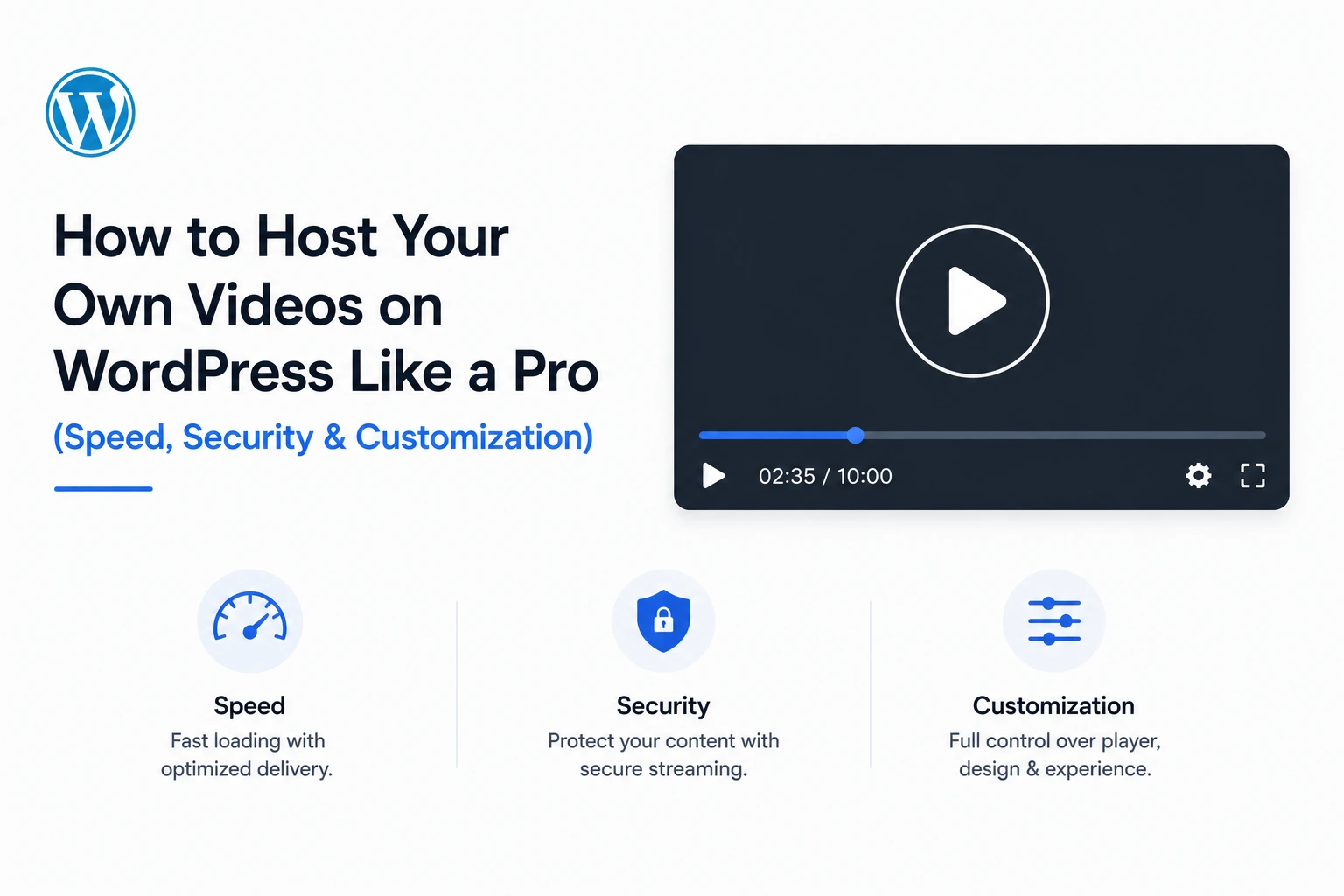
Hosting your own videos on WordPress “properly” means three things working together, not one: playback that stays fast regardless of file size or viewer connection, delivery that’s actually secure rather than just superficially obscured, and a presentation layer flexible enough to match your brand rather than looking like a default plugin dropped onto a page.
Most self-hosting setups get one of these right and neglect the other two. This guide covers a complete, enterprise-grade implementation of all three — using MediaHaven connected to Bunny Stream — so a business site, membership platform, or content publisher can host video internally without the performance and security compromises that historically made self-hosting the risky choice.
Part 1: Speed — Building a Delivery Pipeline That Doesn’t Choke Your Server
The Problem With Naive Self-Hosting
Uploading a video file directly to your WordPress media library and embedding it with the default block means your origin server handles every byte of every request. A moderately popular video, or a traffic spike from a single well-performing page, can exhaust your hosting’s bandwidth allocation and degrade performance sitewide — not just on the page with the video.
The Fix: Offload Delivery to a Dedicated Video CDN
MediaHaven connects to Bunny Stream, and once configured, your WordPress hosting stops serving video entirely. Per the official plugin documentation: “Zero server load — your hosting never serves a single video byte.”
Setup (confirmed process, ~10 minutes):
- Install MediaHaven Lite from Plugins → Add New Plugin (search “MediaHaven”)
- Create a free account at bunny.net
- Create a Stream Library in your Bunny dashboard; copy the API Key, Library ID, and CDN Hostname
- In WordPress: MediaHaven → Settings → Storage & CDN
- Set Serve From to CDN, Storage Provider to Bunny Stream
- Enter your credentials, save
- Upload a video, click Sync
Once synced, the video is automatically converted to adaptive HLS format — the same protocol Netflix and Apple use — with quality adjusting in real time to each viewer’s connection speed, remaining smooth even on 3G.
Why This Matters for Core Web Vitals Specifically
Video content, when it’s the largest visible element on a page, directly determines your Largest Contentful Paint (LCP) score — one of Google’s three Core Web Vitals ranking signals, alongside Interaction to Next Paint (INP) and Cumulative Layout Shift (CLS). A page needs LCP under 2.5 seconds, INP under 200 milliseconds, and CLS under 0.1 to pass in 2026 (Digital Applied / DEV Community, 2026).
Serving video from a single-origin WordPress server — especially for visitors geographically distant from your host — routinely blows past the LCP threshold. CDN edge delivery through Bunny Stream, with servers positioned close to the viewer globally, is one of the most direct fixes available for video-heavy LCP failures.
MediaHaven compounds this with additional built-in optimizations, confirmed from the official plugin listing:
- Smart asset loading — plugin CSS and JavaScript load only on pages that actually contain a gallery, leaving every other page on your site untouched by the plugin’s footprint
- Built-in lazy loading — images, videos, and iframes load only as they enter the viewport
- Automatic image optimization — thumbnail compression handled automatically, with WebP conversion available on Pro, reducing thumbnail file size by up to 35% with no quality loss
- Smart YouTube API caching — for sites also using YouTube feeds, API responses are cached locally to avoid redundant requests slowing down repeat page loads
Bunny Storage: Extending the Same Speed Principle to All Media
For sites where server storage costs — not just video bandwidth — are a growing concern, MediaHaven Pro’s Bunny Storage integration extends CDN offloading to images, audio, and documents as well. Per the plugin’s FAQ: “Once connected, every media file you upload and hit sync — images, audio, documents, and videos — is automatically offloaded to Bunny’s global CDN. Your hosting server no longer stores or serves any media files.” This is the difference between optimizing just your video pipeline and optimizing your entire media footprint for both cost and Core Web Vitals simultaneously.
Part 2: Security — Protecting Content at the Protocol Level, Not the UI Level
Why “Disable Right-Click” Isn’t Security
A large share of WordPress “video protection” advice amounts to hiding the download button or disabling the right-click context menu. Neither prevents an actual determined visitor — the video file’s URL is still visible in the browser’s network requests regardless of what the visible player controls allow, meaning it takes seconds to bypass with browser developer tools open.
Real Protection: Signed, Expiring Tokens
MediaHaven’s Bunny Stream integration implements security at the delivery-protocol level. Per the official plugin description: “Encrypted HLS delivery — signed URLs and token authentication block hotlinking and direct downloads.”
How this actually works: every segment request for a synced video carries a cryptographically signed token with an expiration timestamp, appended to the URL as a query parameter. The CDN server independently validates this token on every request — if it’s missing, malformed, or expired, the request is rejected outright, regardless of whether the requester otherwise has the “correct” URL.
To activate this:
- In your Bunny Stream library settings, toggle Token Authentication on
- In MediaHaven → Settings → Storage & CDN, enable Secure Stream Playback
Both settings need to be active simultaneously — Bunny’s own toggle generates the requirement, and MediaHaven’s setting ensures the plugin requests and serves tokenized URLs correctly.
What This Protects Against — and What It Doesn’t
| Threat | Protected by signed HLS tokens? |
|---|---|
| Hotlinking (embedding your video URL on another site) | ✅ Yes — token expires and is validated per request |
| Direct file download via browser right-click | ✅ Yes — no single downloadable file exists in HLS format |
| A copied link being shared and reused later | ✅ Yes — expired tokens are rejected |
| Screen recording | ❌ No — no delivery-layer technology prevents this |
Being direct about that last limitation matters: no video security technology, including enterprise DRM systems, fully prevents screen recording. What signed HLS delivery eliminates is the casual, zero-effort theft vectors — hotlinking and direct downloading — which account for the overwhelming majority of unauthorized redistribution in practice.
Layering Access Control for Membership and Course Content
Token authentication protects the delivery layer — whether a given URL can be played right now. It doesn’t answer the separate question of who should be allowed to reach the page containing the video in the first place. For membership sites and course platforms, pair MediaHaven’s secure streaming with a membership or LMS plugin (MemberPress, LearnDash, etc.) that gates page access by login status and subscription tier — the combination closes both the access-control gap and the delivery-security gap.
Part 3: Customization — Making Self-Hosted Video Feel Native to Your Brand
The Gallery Layer
Self-hosting shouldn’t mean a single embedded player sitting awkwardly in your content. MediaHaven provides three responsive layout types — Grid, Carousel, and Multi-row Carousel — configurable per gallery, with independent column controls across five screen-size breakpoints (extra-small through extra-large), so your video library reflows correctly on every device without custom CSS.
Player-Level Branding (Pro)
For a genuinely “enterprise” feel, MediaHaven Pro’s Drag & Drop Layout Builder provides:
- Custom player styles — colors for the control bar, volume bar, progress bar, and play button, matched to your brand palette
- Google Fonts support — full typography control across video card titles, descriptions, and metadata
- Drag & drop card sections — rearrange what appears on each video card (media, title, meta, description) and in what order, without touching code
- Drag & drop single video page sections — the same layout control extended to individual video detail pages
- Per-shortcode and global style overrides — apply a specific look to one gallery while maintaining a separate default style elsewhere on the site
Structured Content for Long-Form Video
For training content, webinars, or course modules, MediaHaven Pro’s Interactive Video Chapters let you divide any self-hosted or HLS video into clickable, structured sections — viewers jump directly to a relevant chapter rather than scrubbing manually. This also improves discoverability: structured chapters can surface as clickable “Key Moments” in Google search results for the video’s page.
Accessibility and Reach
MediaHaven’s free tier includes basic single-language subtitle support; Pro unlocks multi-language subtitles with precise timing controls. Beyond accessibility compliance (WCAG-compliant markup is built in throughout the plugin), subtitle content is indexed by search engines — directly extending a video page’s SEO reach for viewers who never watch the video but land on the page via a search query matched to the subtitle text.
Keyboard playback controls are included free across the entire plugin:
| Key | Action |
|---|---|
| Space | Play / Pause |
| F | Toggle fullscreen |
| M | Mute / Unmute |
| Left / Right Arrow | Rewind / Fast-forward 5 seconds |
| Up / Down Arrow | Volume up / down 10% |
| 0–9 | Jump to that percentage of the video |
Putting It Together: A Complete Professional Setup Checklist
Speed:
- Bunny Stream connected via MediaHaven → Settings → Storage & CDN
- Test video synced and confirmed serving via
.m3u8with adaptive bitrate active - Smart asset loading confirmed — plugin assets absent from non-gallery pages (check via browser dev tools)
- Lazy loading confirmed active for thumbnails and iframes
- WebP thumbnail conversion enabled (Pro)
Security:
- Token Authentication enabled in Bunny Stream library settings
- Secure Stream Playback enabled in MediaHaven settings
- Verified: manifest URL carries
tokenandexpiresparameters in network requests - Verified: access fails correctly after token expiration
- Membership/LMS plugin layered on top for access-layer control, if content is gated
Customization:
- Gallery layout selected (Grid / Carousel / Multi-row Carousel) matched to content type
- Responsive column counts configured across all five breakpoints
- Player colors and typography matched to brand (Pro)
- Video chapters added for content over 5 minutes (Pro)
- Subtitles uploaded for accessibility and SEO reach
- Schema.org VideoObject markup validated via Google’s Rich Results Test
Why This Combination Is the “Enterprise” Approach
Enterprise video platforms — the ones charging meaningfully more than a WordPress plugin — differentiate themselves on exactly these three pillars: guaranteed delivery performance via CDN, protocol-level content protection, and deep brand customization. What’s changed in 2026 is that a free WordPress plugin connected to a usage-priced CDN now assembles the same three pillars without the enterprise price tag or the vendor lock-in.
The distinction that actually matters for a business evaluating this: you’re not choosing between “professional” and “self-hosted” anymore. Done correctly — Bunny Stream for delivery, signed tokens for security, MediaHaven’s design controls for presentation — self-hosted is the professional setup in 2026.
- Install free: wordpress.org/plugins/mediahaven-lite
- Official documentation: mediahaven.io/docs/
- Bunny Stream setup guide: mediahaven.io/docs/#/cleardocs/how-to-set-up-bunny-cloud-with-mediahaven
- Upgrade to Pro: mediahaven.io/pricing — from $79/year · 14-day money-back guarantee
- Support
Leave a Reply