

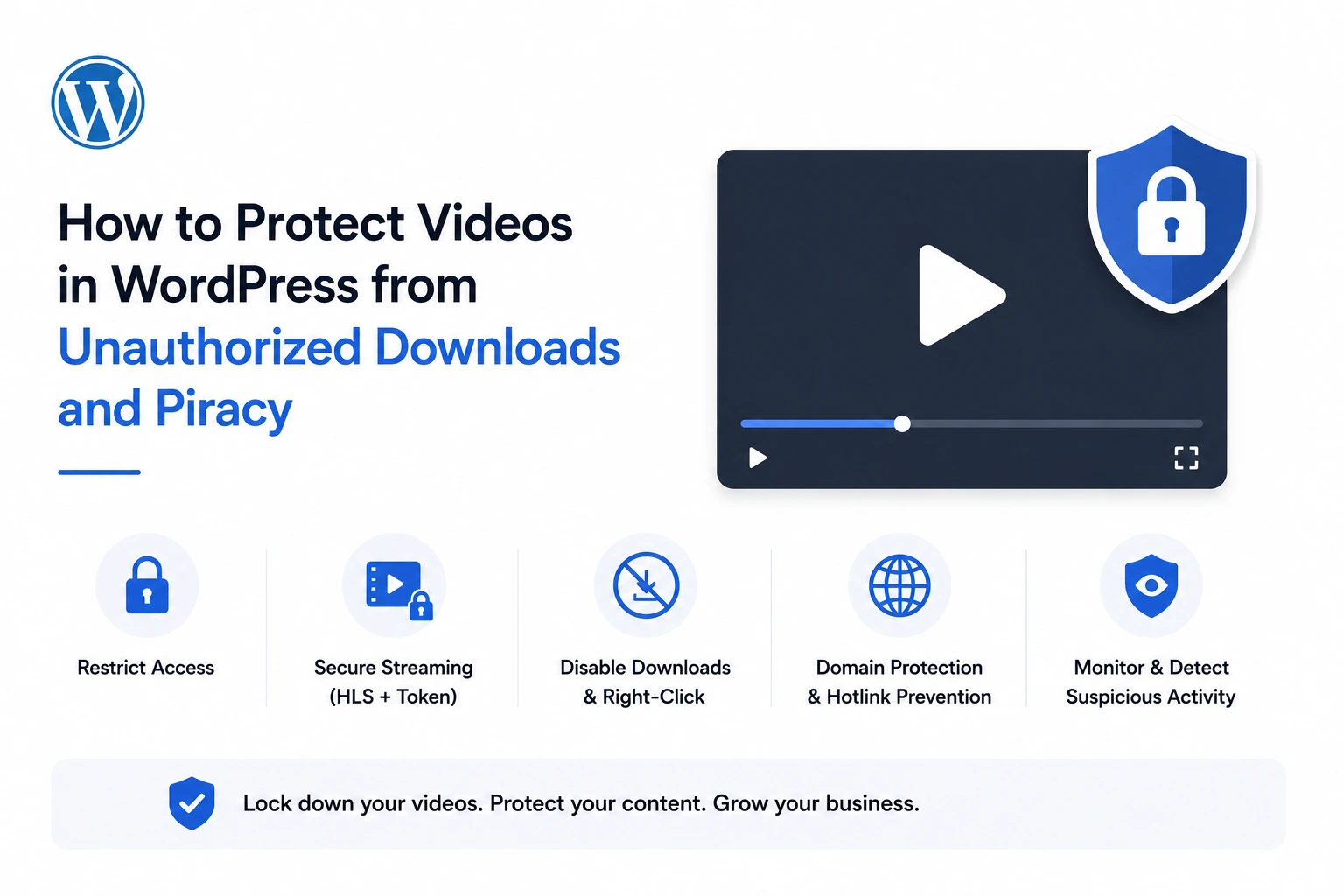
Video content accounts for more than 66% of all pirated material online (Kinescope, 2026), and industry reports estimate digital video piracy drains $50–70 billion from the global economy every year, consuming nearly a quarter of all internet bandwidth in the process (VdoCipher, 2026). If you’re publishing paid or premium video on a WordPress site — a course, a membership library, exclusive content — and that video is delivered as a plain, downloadable MP4 link, you’re not protecting it. You’re leaving the door open.
This guide covers exactly how video theft happens on WordPress sites, why the common “protection” advice (disabling right-click, hiding download buttons) doesn’t actually work, and how to implement real, protocol-level protection using MediaHaven, a free WordPress plugin connected to Bunny Stream’s secure CDN.
Why This Matters: The Real Cost of Unprotected Video
The financial impact isn’t abstract. A course priced at $297 with 500 paying students can realistically end up with 100–300 unauthorized copies circulating in closed Telegram groups and Discord servers — and if just 15% of those people would otherwise have purchased at full price, that represents $4,500 to $13,000 in lost revenue from a single course launch (Kinescope, 2026).
At a market level, India’s e-learning sector alone loses an estimated $240 million annually to course piracy, much of it distributed through Telegram groups with tens of thousands of members (VdoCipher, 2026). One security provider reported blocking 120,000 illicit streaming sessions in just the first half of a single year, across more than 700 pirate websites and apps (VdoCipher, 2026).
The pattern across every credible source is consistent: this isn’t a marginal risk affecting a handful of unlucky publishers. It’s a structural leak that scales directly with how valuable — and how unprotected — your video content is.
Why “Disable Right-Click” Doesn’t Actually Protect Anything
Most WordPress video protection tutorials recommend disabling the right-click context menu, hiding the browser’s native download button, or adding a JavaScript overlay to block screenshots. None of these constitute real protection, and it’s important to understand why before implementing a genuine fix.
The video file’s URL is still fully accessible through the browser’s Network tab (accessible via F12 developer tools on every major browser) regardless of what the visible player interface allows. Anyone who knows to open developer tools — which is not a high technical bar — can find the direct video URL and download it in seconds, completely bypassing every UI-level restriction.
Real video protection has to happen at the delivery protocol level, not the interface level. That means the video isn’t served as a single downloadable file, access requires cryptographic proof of authorization on every request, and that authorization expires rather than remaining valid indefinitely.
How Video Theft Actually Happens on WordPress Sites
Understanding the specific mechanisms matters because it determines what kind of protection actually closes the gap:
Direct download via browser. A standard HTML5 <video> tag pointing to an MP4 file can be downloaded with a single right-click, or via Chrome’s native download icon that appears automatically in its default player controls.
Hotlinking. Someone copies your video’s direct file URL and embeds it on their own site — exposing your paid content to an audience that never paid for it, while consuming your bandwidth to do it.
Link and token sharing. If your access mechanism relies on a static, non-expiring URL, that link can be shared indefinitely. Anyone who has it gets access, regardless of whether they’re an authorized customer.
Credential sharing. For membership and course platforms specifically, one paid login can be shared across many unauthorized viewers unless the platform actively restricts concurrent sessions.
Of these, the first three are directly solvable with the right technical architecture. Credential sharing requires a separate access-control layer (your membership or LMS plugin), which this guide addresses toward the end.
The Real Fix: HLS Streaming with Signed Token Authentication
The technology that closes the delivery-layer gaps above is HLS (HTTP Live Streaming) combined with signed, expiring token authentication — the same underlying architecture Netflix and Apple use for their own content protection.
HLS breaks a video into small segments (a few seconds each), referenced by a playlist manifest file rather than served as one large, directly downloadable file. Instead of a browser requesting a single MP4, the player fetches a sequence of small segments — meaning there’s no straightforward “Save Video As” target for a casual visitor.
Token authentication adds cryptographic access control on top. Each segment request carries a signed token with an expiration timestamp, and the delivery server validates that token independently on every single request. A copied URL becomes worthless outside its authorized window — this is what actually blocks hotlinking and unauthorized downloading, not a hidden button.
Setting This Up with MediaHaven (Free, ~10 Minutes)
MediaHaven is a WordPress video gallery and HLS player plugin (WordPress.org, currently version 1.7.3) that connects directly to Bunny Stream, converting your videos to secure, adaptive HLS format automatically. Per the plugin’s official listing: “Encrypted HLS delivery — signed URLs and token authentication block hotlinking and direct downloads.”
Step-by-Step Setup
- Install MediaHaven from Plugins → Add New Plugin (search “MediaHaven”), activate it
- Create a free account at bunny.net
- Create a Stream Library in your Bunny dashboard; copy the API Key, Library ID, and CDN Hostname
- Enable Token Authentication in your Bunny Stream library’s security settings
- In WordPress, go to MediaHaven → Settings → Storage & CDN
- Set Serve From to CDN, Storage Provider to Bunny Stream
- Enter your Bunny credentials and enable Secure Stream Playback
- Save settings, upload a test video, and click Sync
Once synced, MediaHaven automatically converts your video to secure adaptive HLS format — no manual encoding, no FFmpeg command line, no separate transcoding tool. Per the official FAQ: “No manual encoding, no extra tools needed — just hit Sync and it converts automatically. Completely free.”
What This Actually Protects Against
| Threat | Protected? | How |
|---|---|---|
| Direct download via right-click | ✅ Yes | HLS segments — no single downloadable file exists |
| Hotlinking on another site | ✅ Yes | Signed token is validated per-request and expires |
| A shared link being reused later | ✅ Yes | Expired tokens are rejected by the CDN server |
| Screen recording | ❌ No | No delivery-layer technology can prevent this |
Being direct about that last limitation is important for setting realistic expectations: no video security system — including enterprise DRM — fully prevents someone from recording their screen while a video plays. What signed HLS delivery eliminates is the casual, zero-effort theft that accounts for the overwhelming majority of unauthorized redistribution in practice — a determined pirate willing to screen-record is a smaller, separate threat class that watermarking (not covered by MediaHaven’s core feature set) is the appropriate response to.
Free vs. Pro: What You Need for Video Protection
The core HLS conversion, adaptive streaming, and token authentication described above are confirmed free features in MediaHaven Lite — not gated behind a paid tier. This matters for scoping: you can implement genuine protocol-level video protection at zero plugin cost, with your only ongoing expense being Bunny’s own usage-based CDN pricing (typically a few dollars a month for small-to-mid libraries).
| Feature | Free (Lite) | Pro (from $79/year) |
|---|---|---|
| Bunny Stream HLS conversion | ✅ | ✅ |
| Adaptive bitrate streaming | ✅ | ✅ |
| Signed URL / token authentication | ✅ | ✅ |
| Zero server load (CDN delivery) | ✅ | ✅ |
| Bunny Storage (offload images, audio, documents too) | ❌ | ✅ |
| Interactive video chapters | ❌ | ✅ |
| Multi-language subtitles | ❌ | ✅ |
| Ajax Live Filter for large libraries | ❌ | ✅ |
For most sites, the free tier alone accomplishes the core protection goal. Pro is worth considering if you’re also managing a large video library, want chapters and multi-language subtitles for course content, or want to offload your entire media library — not just video — to the same CDN.
Layering Access Control on Top of Delivery Security
Signed HLS tokens protect the delivery layer — whether a specific URL can be played right now. They don’t answer a separate question: who should be allowed to reach the page containing the video in the first place.
For membership sites, courses, or any gated content, pair MediaHaven’s secure streaming with a membership or LMS plugin (MemberPress, LearnDash, Tutor LMS, etc.) that restricts page access by login status and subscription tier. The combination closes both gaps simultaneously: your membership plugin decides who gets to the page, and MediaHaven’s token authentication ensures the video itself can’t be hotlinked or downloaded once they’re there.
Verification Checklist
After setup, confirm the protection is actually active — configuration mistakes are common and easy to miss:
- Token Authentication is enabled in your Bunny Stream library settings (not just MediaHaven’s side)
- Secure Stream Playback is enabled in MediaHaven → Settings → Storage & CDN
- Open browser developer tools (F12) → Network tab on a live video page; confirm the
.m3u8manifest URL carriestokenandexpiresquery parameters - Copy that manifest URL and attempt to open it directly in an incognito window after the expiration window passes — it should fail
- If content is gated (course/membership), confirm a logged-out or unauthorized user cannot reach the page at all, independent of the video’s own security
- Install free: wordpress.org/plugins/mediahaven-lite
- Official documentation: mediahaven.io/docs/
- Bunny Stream setup guide: mediahaven.io/docs/#/cleardocs/how-to-set-up-bunny-cloud-with-mediahaven
- Upgrade to Pro: mediahaven.io/pricing — from $79/year · 14-day money-back guarantee
- Support
Leave a Reply