

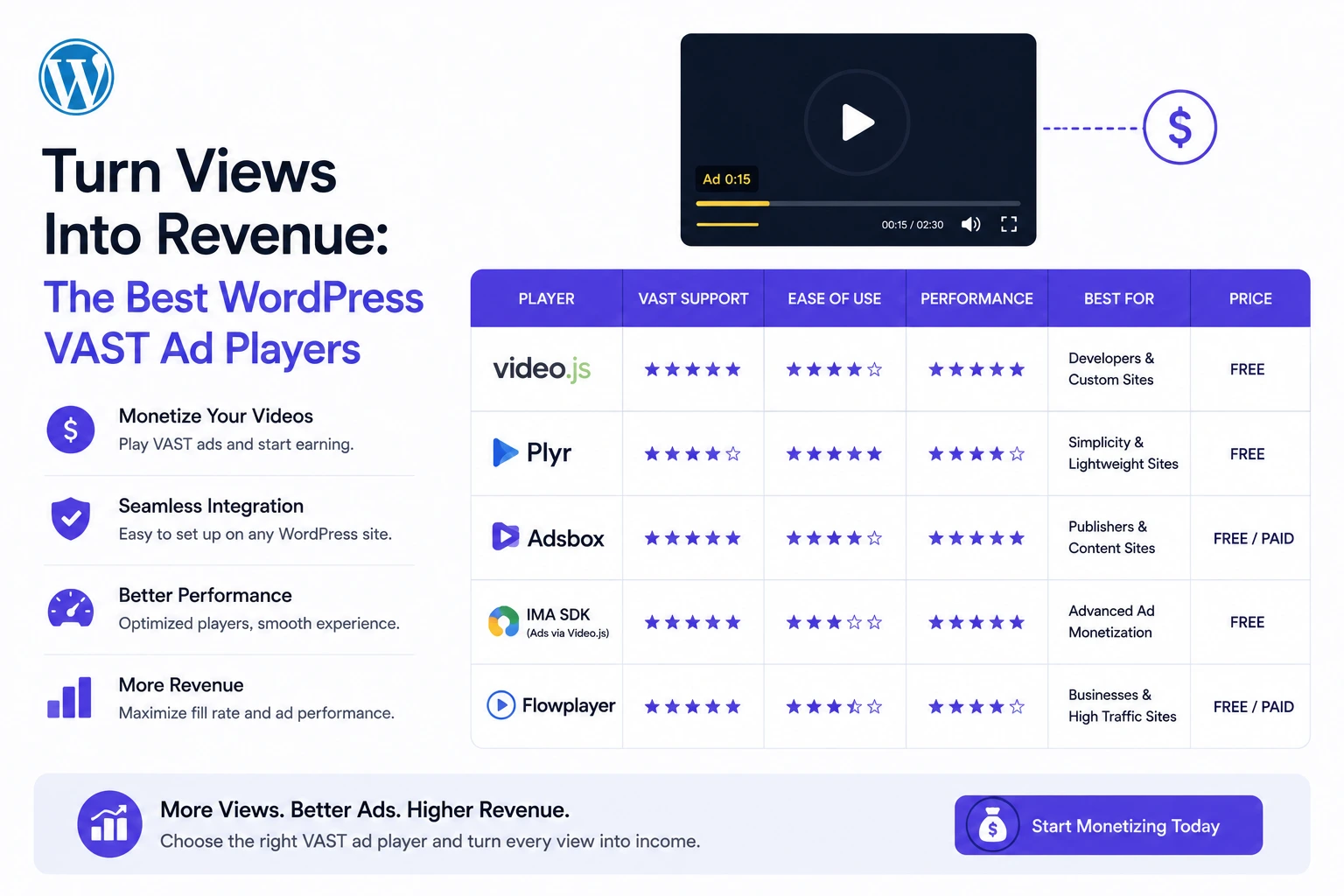
Video CPMs run three to five times higher than static display advertising in 2026 (Terrific Live, 2026), yet most WordPress sites publishing video still run zero video-specific monetization — either because they assume it requires enterprise ad-tech infrastructure, or because they’ve never evaluated which WordPress plugins actually support VAST natively versus just embedding a YouTube player with someone else’s ads.
This is a direct, ROI-focused evaluation of the WordPress plugins that support VAST ad monetization in 2026, what each one actually costs to implement, and realistic revenue math so you can decide whether — and how — to turn your existing video views into a revenue line.
First: Confirm You Actually Need VAST (Not Just “An Ad”)
Before comparing plugins, it’s worth being precise about what VAST is and isn’t, since the term gets used loosely.
VAST (Video Ad Serving Template) is an IAB-standard XML specification that lets a video player request and display an ad from any compatible ad server — Google Ad Manager and most dedicated video ad networks all speak VAST. If you want to monetize self-hosted or non-YouTube video with ads from a real ad network, you need a player that supports VAST natively.
What VAST is not: a requirement for embedding YouTube videos (YouTube runs its own separate ad system on embedded content, not accessible or controllable through your WordPress plugin) or a display/banner ad plugin (those are a completely different ad format and technical integration).
If your video is self-hosted, HLS-delivered, or served through a CDN like Bunny Stream, VAST is the standard path to running real ad-network monetization on it.
Evaluation Criteria
For this comparison, the criteria that actually determine ROI, not just feature-list length:
- Does VAST support come at no cost beyond the player itself, or does it require a separate paid add-on
- What ad formats and positions are supported — pre-roll only, or full placement flexibility
- Does it work with self-hosted/CDN video, since that’s the only source type VAST-based monetization generally applies to
- Setup complexity relative to expected revenue — is this a 20-minute configuration or a multi-day technical project
- What you get for free vs. what requires payment
MediaHaven (Free / Pro from $79/year)
VAST support: Pro tier, confirmed native support for image, video, link, and text ad formats within a single VAST-compliant system.
Ad positioning: 9 configurable positions — top left, top center, top right, middle left, middle center, middle right, bottom left, bottom center, bottom right — plus precise timing controls for exactly when ads appear and for how long.
Compatible video sources: Self-hosted (MP4, WebM, MOV, MKV, AVI), HLS/M3U8, and Bunny Stream. Per the official plugin documentation, VAST ads specifically do not work with YouTube, TikTok, Vimeo, or other embedded platform videos, since those platforms control their own separate ad systems.
Setup: MediaHaven connects to Bunny Stream for automatic HLS conversion — a genuinely simple, ~10-minute process per the plugin’s documented setup guide — meaning the video delivery infrastructure required for VAST monetization is itself free and largely automated, not a separate technical project.
Additional features bundled with VAST access (Pro): Ad Button Label customization, ad audio mute for autoplay compliance, full style controls to match ads to site branding, plus WooCommerce shoppable video overlays, Ajax Live Filter, and Bunny Storage offloading — meaning the $79/year Pro cost isn’t purely a VAST feature unlock, it’s a broader monetization and performance package.
Honest limitation: in-plugin ad performance analytics are described in current product messaging as “coming very soon” — for granular revenue and impression reporting today, you’ll rely on your ad network’s own dashboard (Google Ad Manager’s reporting suite, for instance) rather than a built-in MediaHaven analytics view.
Best for: WordPress publishers, course creators, and content sites already using or willing to move to self-hosted/Bunny Stream video delivery, who want VAST monetization bundled with a full video gallery system rather than as a standalone, single-purpose ad plugin.
Generic HTML5 Video Players With Manual VAST Integration
Several WordPress video player plugins support VAST only through manual configuration — pasting a VAST tag URL into a generic field with limited positioning or timing control, no native format flexibility (image/link/text ad types), and no bundled CDN or delivery infrastructure.
Trade-off: these can technically work, but typically require you to separately solve video hosting/CDN delivery, and the ad configuration itself often lacks the position and timing granularity that determines whether an ad placement feels native to your content or bolted-on.
Best for: developers comfortable stitching together separate hosting, player, and ad-tag components themselves, who specifically want maximum low-level control over each piece independently.
Direct Ad Network Embed Codes (No Dedicated Plugin)
Some publishers skip a WordPress-native player-plugin approach entirely and implement ad-network-provided embed/player code directly via a custom template or code snippet.
Trade-off: this can work for a single, simple integration, but sacrifices the gallery, organization, SEO schema, and performance features (lazy loading, smart asset loading, adaptive HLS) that a dedicated video plugin provides — you’re solving monetization narrowly while leaving the broader video-publishing experience unaddressed.
Best for: sites with a single, isolated video monetization need (one prominent video, one placement) rather than an ongoing video content strategy.
Side-by-Side Comparison
| MediaHaven Pro | Generic HTML5 player + manual VAST | Direct ad network embed | |
|---|---|---|---|
| VAST ad support | ✅ Native, multi-format | ⚠️ Manual, limited | ✅ (network-specific only) |
| Ad position/timing control | ✅ 9 positions, precise timing | ⚠️ Often limited | ❌ Fixed by network |
| Bundled video CDN/HLS delivery | ✅ Bunny Stream, free | ❌ Solve separately | ❌ Solve separately |
| Video gallery / organization | ✅ Full gallery system | ⚠️ Varies by plugin | ❌ None |
| SEO schema markup | ✅ Automatic | ⚠️ Varies | ❌ None |
| Setup complexity | Low (~10 min for delivery + ad config) | Medium–high | Low but narrow scope |
| Cost | Free core / $79/year Pro for VAST | Varies, often free + separate CDN cost | Free (network-dependent) |
Turning Views Into Revenue: The Realistic Math
Video ad monetization math is simple in structure, even if the inputs vary by publisher. Using 2026 benchmark CPM ranges (Stackmatix, 2026; Terrific Live, 2026):
Revenue = (Monthly video plays ÷ 1,000) × CPM
| Monthly video plays | At $8 CPM (broad, lower-tier) | At $15 CPM (mid-range) | At $25 CPM (premium/targeted) |
|---|---|---|---|
| 10,000 | $80 | $150 | $250 |
| 50,000 | $400 | $750 | $1,250 |
| 100,000 | $800 | $1,500 | $2,500 |
| 500,000 | $4,000 | $7,500 | $12,500 |
The biggest variable in your actual outcome isn’t the plugin — it’s your traffic’s geography and vertical. US-concentrated traffic commands roughly 3–4x the CPM of the global blended average (Terrific Live, 2026), and finance/B2B-technology content commands meaningfully higher rates than broad retail/ecommerce content (NAMediaExperts, 2026). Choose your monetization tooling based on flexibility to test different placements and formats — not just the theoretical maximum CPM a marketing page promises.
Implementation Checklist for Maximum ROI
- Confirm your video content is (or can be migrated to) self-hosted, HLS, or Bunny Stream delivery — required for VAST monetization regardless of plugin choice
- Secure a VAST tag from an ad network (Google Ad Manager is the most common entry point for publishers)
- Install MediaHaven Lite, verify Bunny Stream connects and video delivery works correctly before adding ads
- Upgrade to Pro, configure your first VAST ad with conservative timing (short pre-roll, non-intrusive positioning)
- Test playback across desktop and mobile — confirm ad audio mute behaves correctly for autoplay compliance
- Track video start rate and completion rate through your existing analytics, since in-plugin ad performance tracking is still being actively developed
- Cross-reference actual revenue against your ad network’s own reporting dashboard as the authoritative source
- Iterate placement and timing based on real completion-rate data, not assumptions
The Bottom Line
For WordPress publishers evaluating VAST ad players in 2026, the decision largely comes down to whether you want monetization bundled with a complete video publishing system (gallery, CDN delivery, SEO schema, performance optimization) or want to assemble each piece separately for maximum granular control. MediaHaven Pro is the strongest bundled option available at $79/year — free core video delivery via Bunny Stream, native multi-format VAST support with genuine positioning flexibility, and the broader gallery/SEO infrastructure that turns a single monetized video into a sustainable content strategy rather than a one-off ad placement.
- Install free: wordpress.org/plugins/mediahaven-lite
- Official documentation: mediahaven.io/docs/
- See VAST ads live: demo.mediahaven.io/shoppable-video-for-ecommerce/
- Upgrade to Pro: mediahaven.io/pricing — from $79/year · 14-day money-back guarantee
- Support: support@wpninjadevs.com
Leave a Reply