

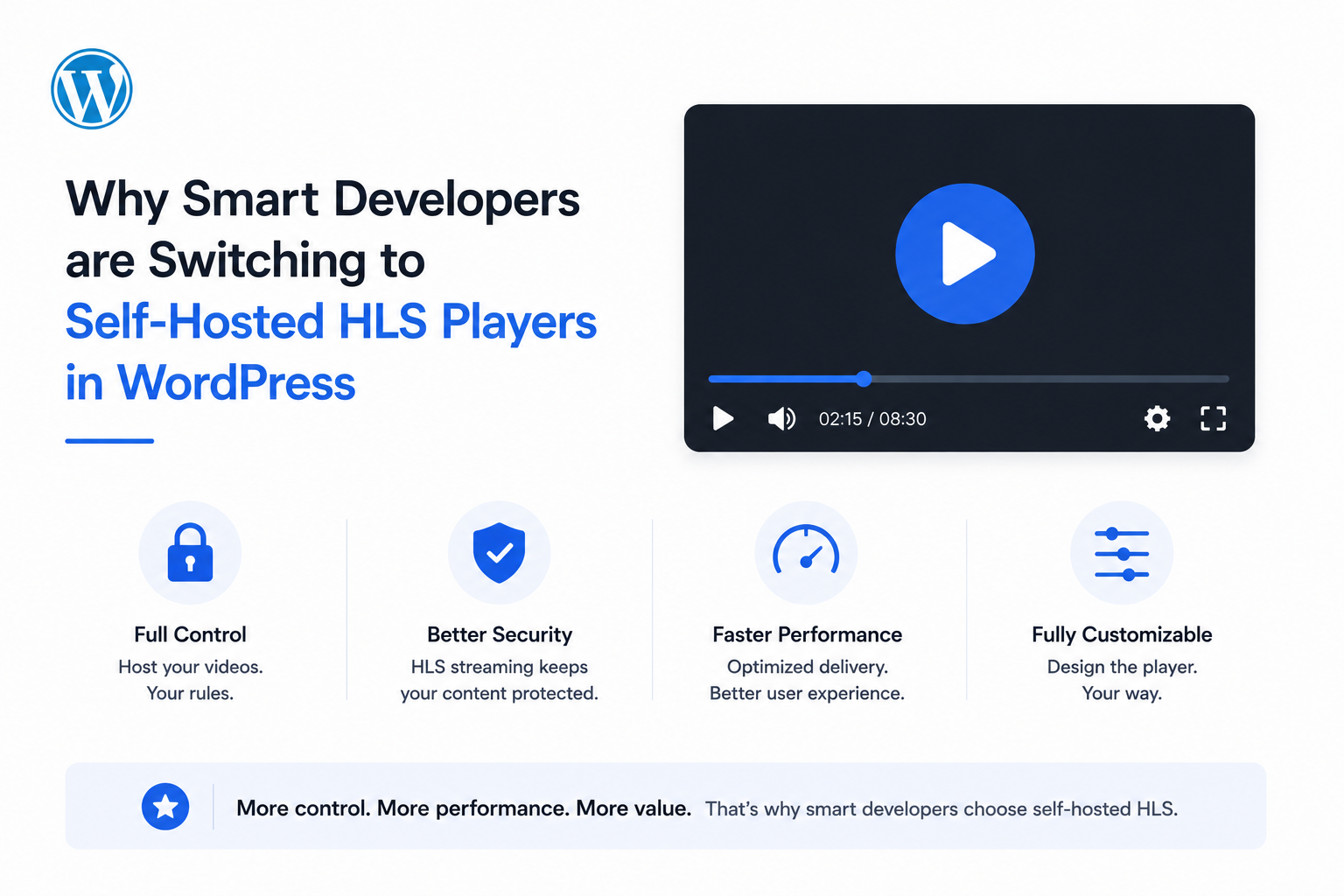
Direct MP4 embeds and third-party platform embeds solve different problems badly. A raw <video> tag pointing at a large MP4 file forces every visitor to download the same fixed-quality file regardless of their connection speed — no adaptation, no resilience, just buffering on anything short of a strong connection. A YouTube or Vimeo iframe solves the streaming problem but hands over branding, analytics, ad control, and platform dependency in exchange.
HLS (HTTP Live Streaming) delivered through a self-hosted WordPress player is the architecture that avoids both trade-offs — and in 2026, it’s become genuinely accessible without a custom encoding pipeline. This article covers the technical case for making that switch, using MediaHaven’s Bunny Stream integration as the concrete reference implementation.
What HLS Actually Solves at the Protocol Level
HLS breaks a video into small segments (typically a few seconds each), referenced by an .m3u8 manifest file. Instead of a browser requesting one large file, the player requests a sequence of small segments and can switch between different quality renditions of those segments in real time, based on the viewer’s current network conditions.
This single architectural decision solves two separate problems developers otherwise have to engineer around individually:
Adaptive bitrate streaming. The player automatically downgrades to a lower-quality segment stream when bandwidth drops, and upgrades again when it recovers — the same mechanism behind Netflix, YouTube, and Apple TV+ playback. Confirmed directly from MediaHaven’s plugin documentation: “Adaptive bitrate streaming — quality adjusts in real-time to the viewer’s connection — smooth even on 3G.”
No single downloadable file. Because playback is assembled from dozens or hundreds of small segments rather than one file, there’s no straightforward “Save Video As” target for a casual visitor — a meaningful difference from a direct MP4 embed, where the entire file sits at one predictable, downloadable URL.
Why Developers Historically Avoided Self-Hosted HLS
The reason self-hosted HLS wasn’t the default choice for WordPress developers is straightforward: building the pipeline yourself is real engineering work.
A from-scratch implementation requires:
- An encoding pipeline — typically FFmpeg, generating multiple bitrate renditions (360p, 720p, 1080p) from each source file
- CDN infrastructure — a storage layer plus edge distribution, since serving HLS segments from a single origin server defeats much of the point
- Signed URL / token authentication logic — server-side code generating HMAC-signed, expiring tokens per request, to prevent the manifest and segment URLs from being freely hotlinked or shared
- Player integration — an HLS-compatible player (hls.js for non-Safari browsers, since Safari has native HLS support) wired up to consume signed manifest URLs correctly
- Ongoing maintenance — key rotation, encoding format updates, and CDN configuration changes over time
This is a legitimate multi-day project for a developer unfamiliar with video infrastructure specifically — which is exactly the gap that made YouTube/Vimeo embeds, or a hosted SaaS video platform, the pragmatic default for years.
What Changed: Plugin-Managed HLS Pipelines
The shift in 2026 is that this pipeline is now available as a managed, one-click integration inside a WordPress plugin, rather than something a developer builds and maintains independently.
MediaHaven (WordPress.org, free, currently v1.7.3) connects directly to Bunny Stream, and per the plugin’s own documentation, the entire encoding-and-delivery pipeline collapses into a single action:
“When you connect Bunny Stream and click Sync on any video, it is automatically converted to secure HLS (HTTP Live Streaming) format on Bunny Stream — no manual encoding or extra tools needed.”
This isn’t a simplified or limited version of the pipeline described above — it’s the same underlying components (multi-bitrate encoding, CDN distribution, signed URL authentication), automated behind a single Sync button rather than requiring custom implementation.
What’s Handled Automatically
| Pipeline component | Manual implementation | MediaHaven + Bunny Stream |
|---|---|---|
| Multi-bitrate encoding | FFmpeg scripting, render farm or queue | Automatic on Sync |
| CDN distribution | Manual CDN/storage zone configuration | Included in Bunny Stream connection |
| Signed URL / token auth | Custom HMAC signing logic, server-side | Toggle: “Secure Stream Playback” |
| Player HLS compatibility | hls.js integration, Safari fallback handling | Built into the MediaHaven player |
| Domain/referrer restriction | CDN-level config, manually set | Configurable in Bunny Stream settings |
The Setup Process (Documented, ~10 Minutes)
From MediaHaven’s official FAQ, verified current as of the v1.7.3 plugin release:
- Create a free account at bunny.net
- Create a Stream Library, copy the API Key, Library ID, and CDN Hostname
- Enable Token Authentication in the Bunny Stream library settings
- In WordPress: MediaHaven → Settings → Storage & CDN
- Set Serve From to CDN, Storage Provider to Bunny Stream
- Enter your Bunny credentials, enable Secure Stream Playback
- Save, upload a test video, click Sync
No FFmpeg command line. No custom PHP signing functions. No manual CDN zone setup outside the plugin’s own settings screen.
The Security Layer: Why Signed Tokens Matter More Than UI Blocking
A meaningful distinction for developers evaluating this specifically: MediaHaven’s approach operates at the delivery-protocol level, not the UI level. Per the official plugin listing: “Encrypted HLS delivery — signed URLs and token authentication block hotlinking and direct downloads.”
This matters because UI-level protections — disabling right-click, hiding the native download button — are trivially bypassed by anyone opening browser developer tools and inspecting network requests. A signed, expiring token appended to the manifest and segment URLs is a cryptographic check the CDN server validates on every request; a copied URL becomes non-functional outside its authorized window regardless of what the visible player controls allow.
For developers building membership sites, course platforms, or any property where premium video content needs real protection — not just casual-user friction — this protocol-level distinction is the one that actually matters.
Performance Implications: Why This Also Fixes Your Core Web Vitals
Beyond streaming quality, moving video delivery off your WordPress origin server has a direct, measurable performance effect.
Zero server load. Per MediaHaven’s documentation, once Bunny Stream is connected, “your hosting never serves a single video byte.” Every request for a video segment goes directly to Bunny’s CDN edge network, meaning your WordPress server’s CPU, memory, and bandwidth allocation are entirely unaffected by video traffic — even under a significant spike.
Zero-config asset scoping. MediaHaven’s plugin CSS and JavaScript load “only on pages where galleries exist” (per the official plugin description) — a smart per-shortcode loading pattern that keeps non-video pages on your site completely unaffected by the plugin’s presence.
Direct LCP benefit. Since Largest Contentful Paint is frequently the hero image or video on a page, and Bunny’s global CDN edge delivery is materially faster than a single-origin WordPress server request — particularly for visitors geographically distant from your hosting provider — the switch to CDN-based HLS delivery is one of the more direct, measurable Core Web Vitals wins available for a video-heavy page.
When Self-Hosted HLS Is (and Isn’t) the Right Call
Choose self-hosted HLS via MediaHaven + Bunny Stream when:
- You need genuine content protection (courses, membership content, premium video) beyond what a public embed offers
- You want full ownership of branding, analytics, and the viewer relationship — no third-party “related videos” pulling attention away
- Your video volume or traffic pattern makes a flat-rate SaaS subscription (Vimeo, Wistia) cost-inefficient compared to usage-based CDN pricing
- You want video content integrated into a broader gallery/discovery system (categories, tags, Ajax filtering) rather than isolated embeds
A public embed (YouTube) may still make sense when:
- Maximum organic discovery on YouTube’s own platform is a primary goal alongside on-site display
- You have zero traffic/cost sensitivity and prioritize the absolute simplicity of embedding an existing YouTube video with no additional setup
Many production sites run both — YouTube embeds for top-of-funnel, publicly discoverable content, and self-hosted HLS via Bunny Stream for premium, gated, or monetized video. MediaHaven supports both source types within the same plugin, meaning this isn’t an either/or architectural decision at the tooling level.
Free vs. Pro: Where the HLS Pipeline Sits
It’s worth being precise about this, since it affects project scoping: the core HLS conversion, adaptive streaming, and token authentication described throughout this article are confirmed free features in MediaHaven Lite — not gated behind Pro. Per the official FAQ: “No manual encoding, no extra tools — just hit Sync and it converts automatically. Completely free.”
Pro ($79/year, 14-day money-back guarantee) adds capabilities layered on top of that same HLS pipeline — Bunny Storage for offloading non-video media, Ajax-powered filtering across large video libraries, WooCommerce shoppable video and VAST ad monetization, and drag-and-drop player/card customization. For a developer scoping a client project, this means the core “replace direct embeds with real adaptive streaming” objective is achievable at zero plugin cost, with Pro representing genuine feature expansion rather than a paywall on the core streaming technology.
- Install free: wordpress.org/plugins/mediahaven-lite
- Official documentation: mediahaven.io/docs/
- Bunny Stream setup guide: mediahaven.io/docs/#/cleardocs/how-to-set-up-bunny-cloud-with-mediahaven
- Upgrade to Pro: mediahaven.io/pricing — from $79/year · 14-day money-back guarantee
- Support
Leave a Reply